
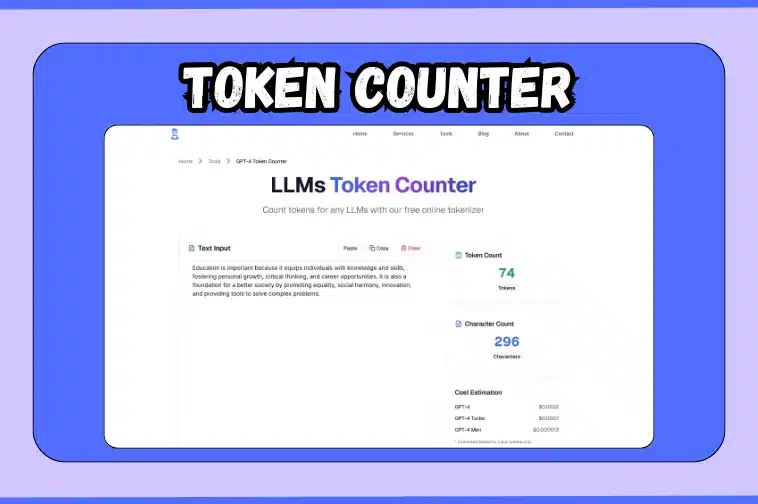
Have you ever wondered why some AI responses get cut off halfway or cost more than expected?
This is the work of tokens; these are small text units’ large language models use to process information. Understanding how many tokens your text contains is the key to managing prompt length, controlling API costs, and ensuring smooth AI outputs.
This is exactly what a token counter is built for. It can provide the number of tokens, characters and estimated cost for your text so you can design your prompts with certainty. Whether you are testing prompts, creating AI tools, or fine-tuning content, this small tool keeps you precise and efficient with each word.
Keep reading to find out how the token counter work, what is tokenization, and how to make the most of this simple yet powerful tool.
What does a token counter show, and why should I check token counts before using an LLM?
A token counter breaks down your text into measurable data that directly impacts how large language models (LLMs) process your input. Every text you give to a model is converted into tokens, which serve as the model’s units of understanding.
When you paste text into the token counter on the tool immediately displays:
- Token count: How many tokens your text contains.
- Character count: Total characters, including spaces and punctuation.
- Estimated cost: A quick calculation showing how much your input might cost to process in different GPT models.
Checking token counts before sending a request to an LLM is very important because:
- Avoid output cutoffs: Each model has a maximum token limit. If your input plus expected output exceeds this limit, the response may get shortened.
- Manage API costs: OpenAI and other providers charge based on token usage. Knowing your token count helps you predict and optimize expenses.
- Improve prompt efficiency: Understanding how tokens add up lets you refine wording, reduce unnecessary phrases, and fit more context into fewer tokens.
How does tokenization work and how are tokens different from words or characters?
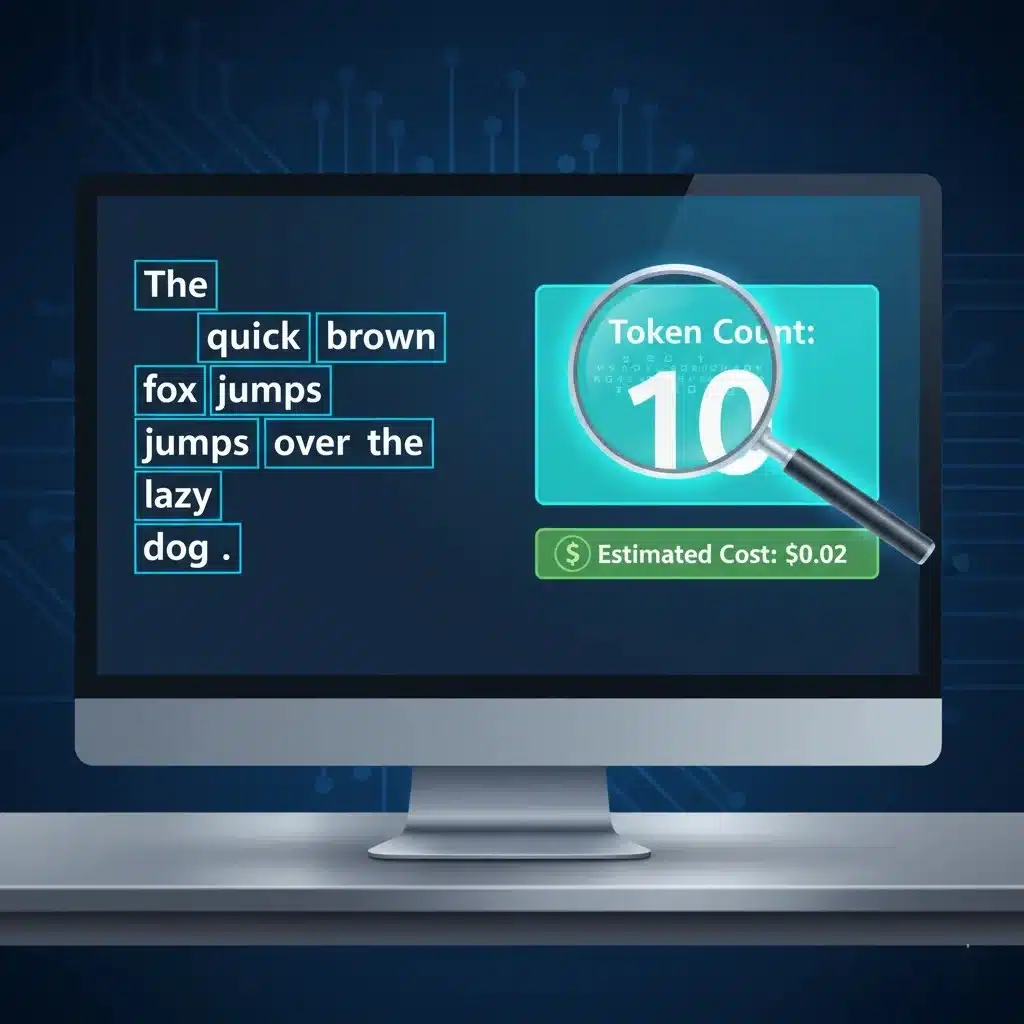
The process of breaking text into smaller pieces is know as tokenization. It is done so that a large language model (LLM) can understand and process. Instead of reading entire sentences such as us, the model reads sequences of tokens, which may represent complete words, partial words, punctuation marks, or even spaces.
For example:
- The word “ChatGPT” might be split into two tokens: “Chat” and “GPT.”
- A short sentence like “I enjoy coding.” could become six tokens: “I”, “en”, “joy”, “coding”, and tokens for the space and period.
| Unit Type | Description | Example | Typical Size |
| Character | Every letter, number, or symbol | “H”, “e”, “l”, “l”, “o” | 1 character each |
| Word | A group of characters separated by spaces | “Hello” | 1 word |
| Token | The model’s processing unit, which can be part of a word, a full word, or punctuation | “Hel”, “lo” | ~4 characters per token (average) |
Since LLMs calculate their input and output limits in tokens, it’s crucial to know how many tokens your text contains. The token counter on our website uses the same method as popular tokenizers used by OpenAI models, giving you an accurate preview of how your text will be processed and billed.
How to Use the Token Counter (Step-by-Step)?
If you work with AI models, knowing your token usage can save both time and cost. The token counter is designed to calculate tokens and characters instantly, helping you control prompt length and avoid hitting model limits. It’s a simple process that takes only a few seconds to complete.
Follow these steps
- Visit our website.
- Go to the tools section and select AI productivity.
- Open ‘Token Counter’ tool.
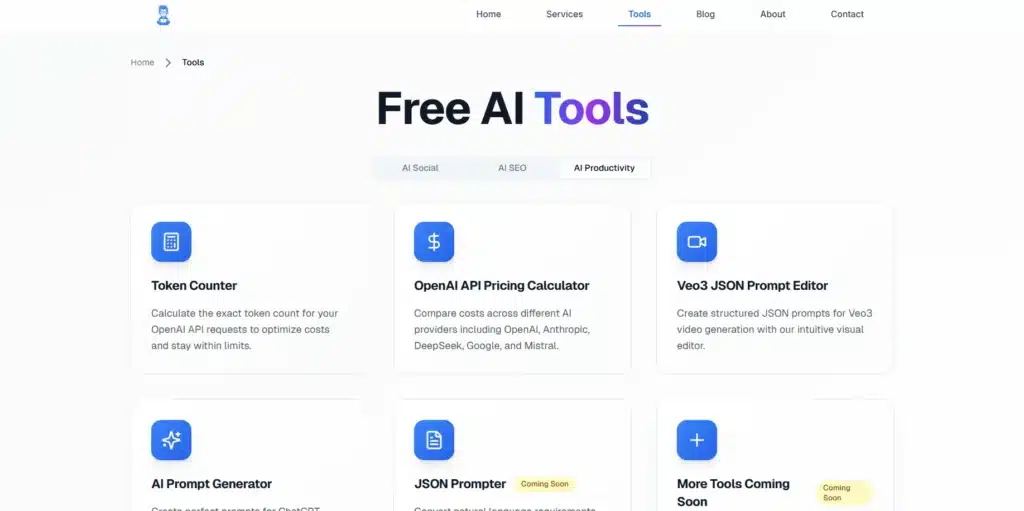
- Enter your text. Paste or type your entire prompt into the input box to analyze it.
- Review the results. The tool instantly displays total tokens and characters.
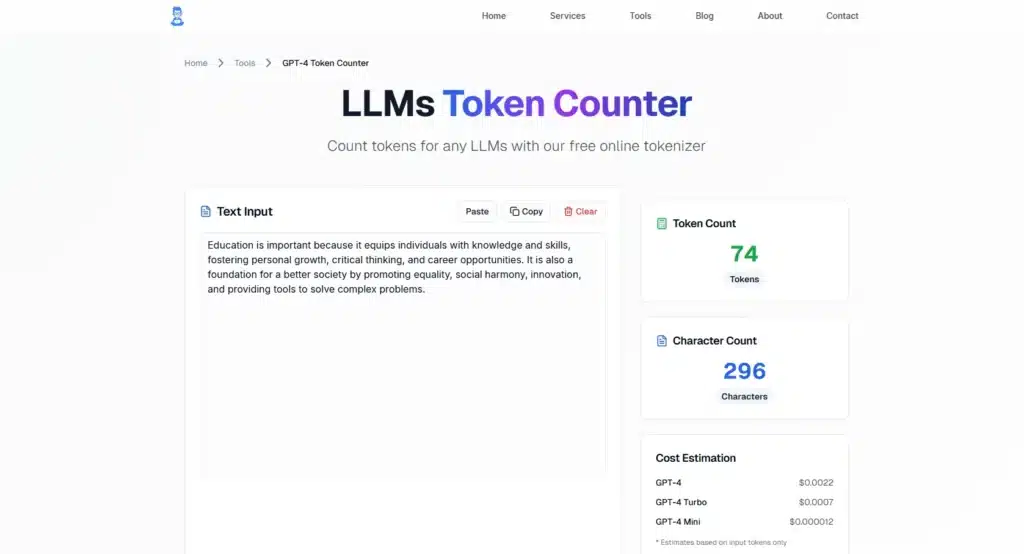
- Plan your prompt. Add expected output tokens and check if the total fits your model’s token limit.
- Optimize if needed. Shorten, summarize, or refine your text to stay within the limit.
Practical tips that you should know to reduce token usage
- Keep prompts short and focused.
- Remove repeated or unnecessary phrases.
- Use bullet points instead of long paragraphs.
- Summarize lengthy inputs to save tokens.
- Reference external data rather than pasting full text.
- Regularly check token counts to manage cost and efficiency.
Final Thoughts
Tokens are the foundation of how Large Language Models (LLMs) understand and create text. Understanding tokenization, token limits, and usage optimization clearly is a must for effectively using these models.
With enhanced token management software, users are able to improve efficiency, lower operating costs, and have more effective AI-powered applications.
